
If you have employees that clock in or out via the Mobile Application, you can create Geo Locations with specific radius' to restrict the employees from being able to clock in/out from anywhere. They will not be able to log their times outside of these Geo Locations.
To create Geo Locations, navigate to:
- Settings
- Geo Locations
- Type in the address or name of the site in the search bar, located at the top of the map.
- Click Search when ready
- Results will load below the search bar
- A red pin will be dropped on the map for the location you searched
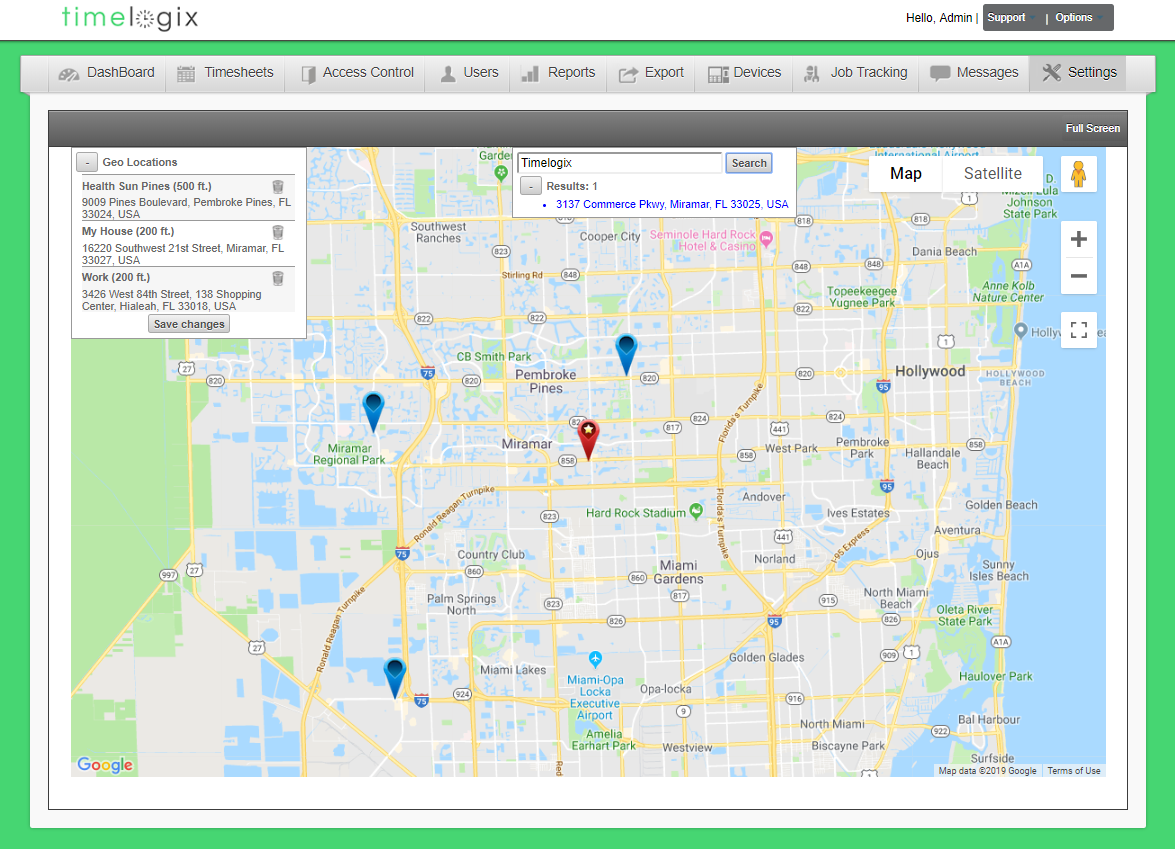
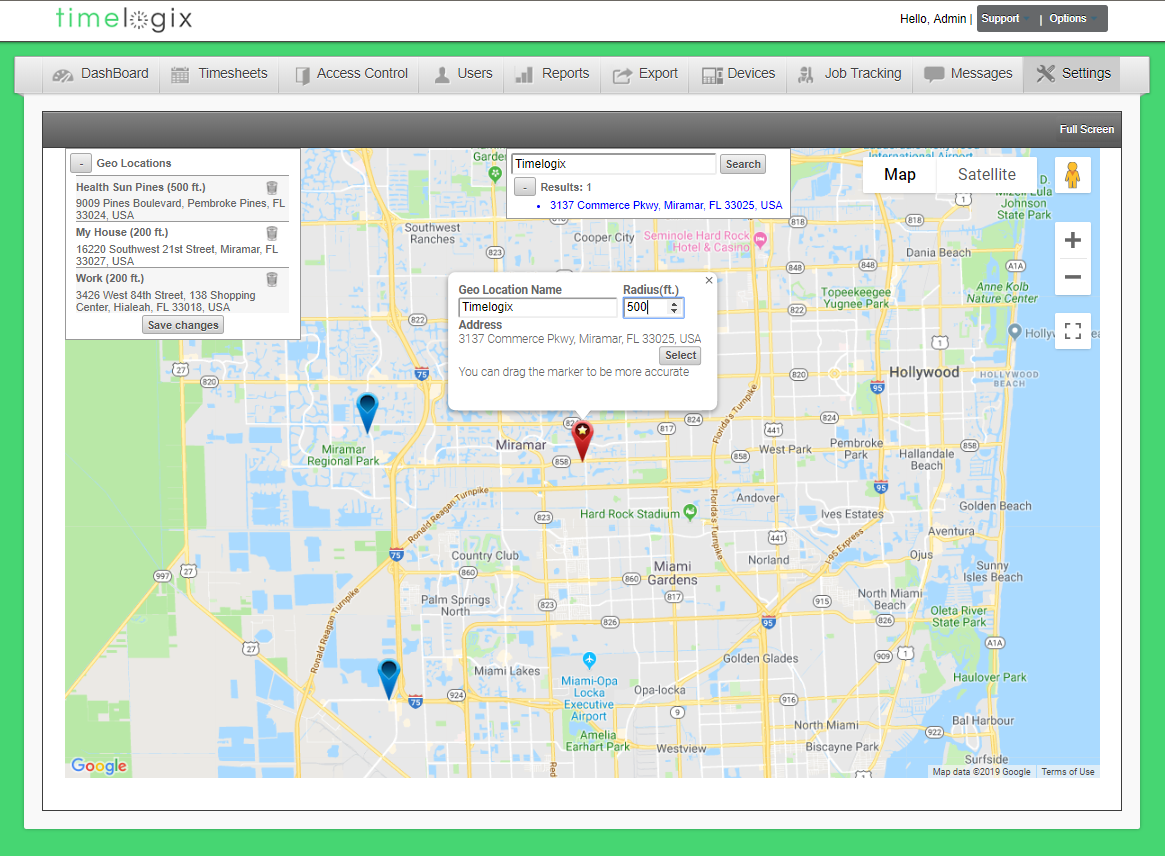
- Click on the Red pin
- Add a Geo Location name
- Specify the Radius (in feet)
- Click Select when finished
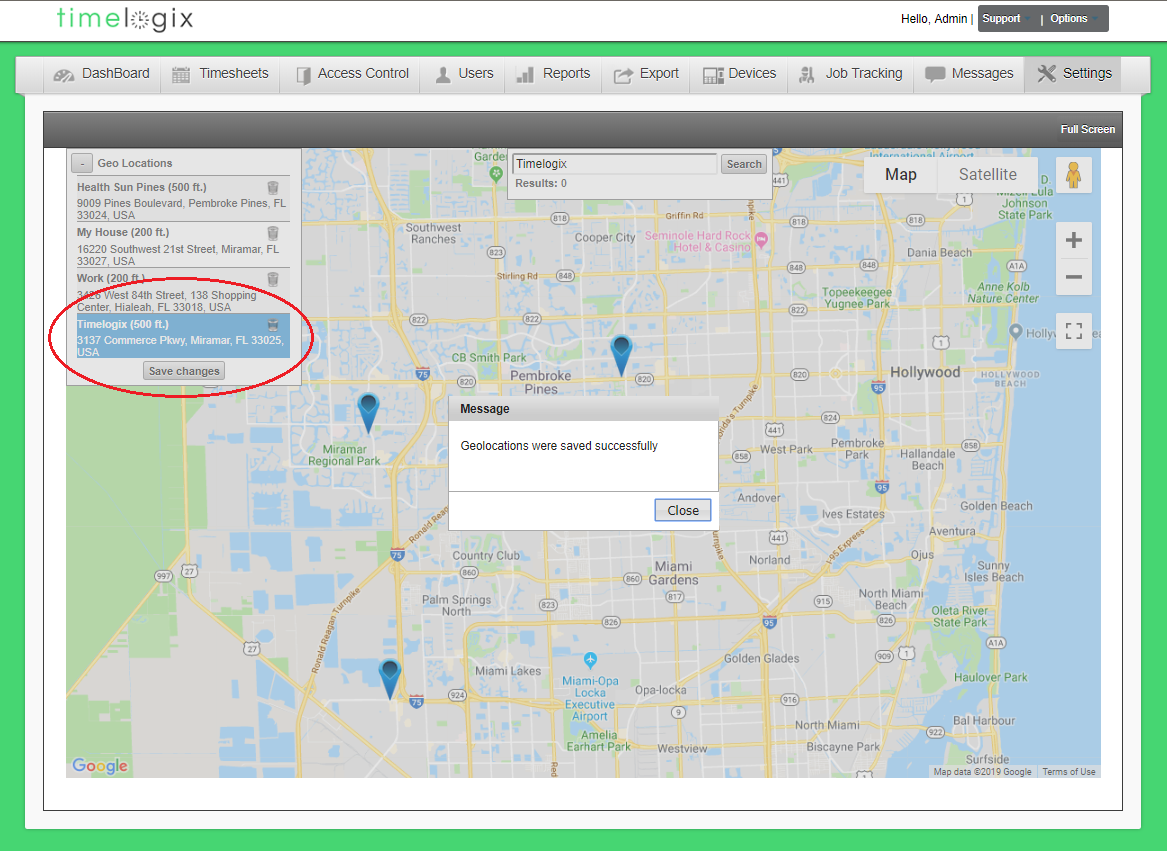
Before exiting the Geo Locations screen, you will need to click Save changes in the list of created Geo Locations, located in the upper left-hand corner of the map. Otherwise, the Geo locations that you create will not be saved.
Comments
0 comments
Please sign in to leave a comment.