
Employees can review their Time cards directly on the Mobile application. They can check their time in a summary view and they can also review each day in detail.
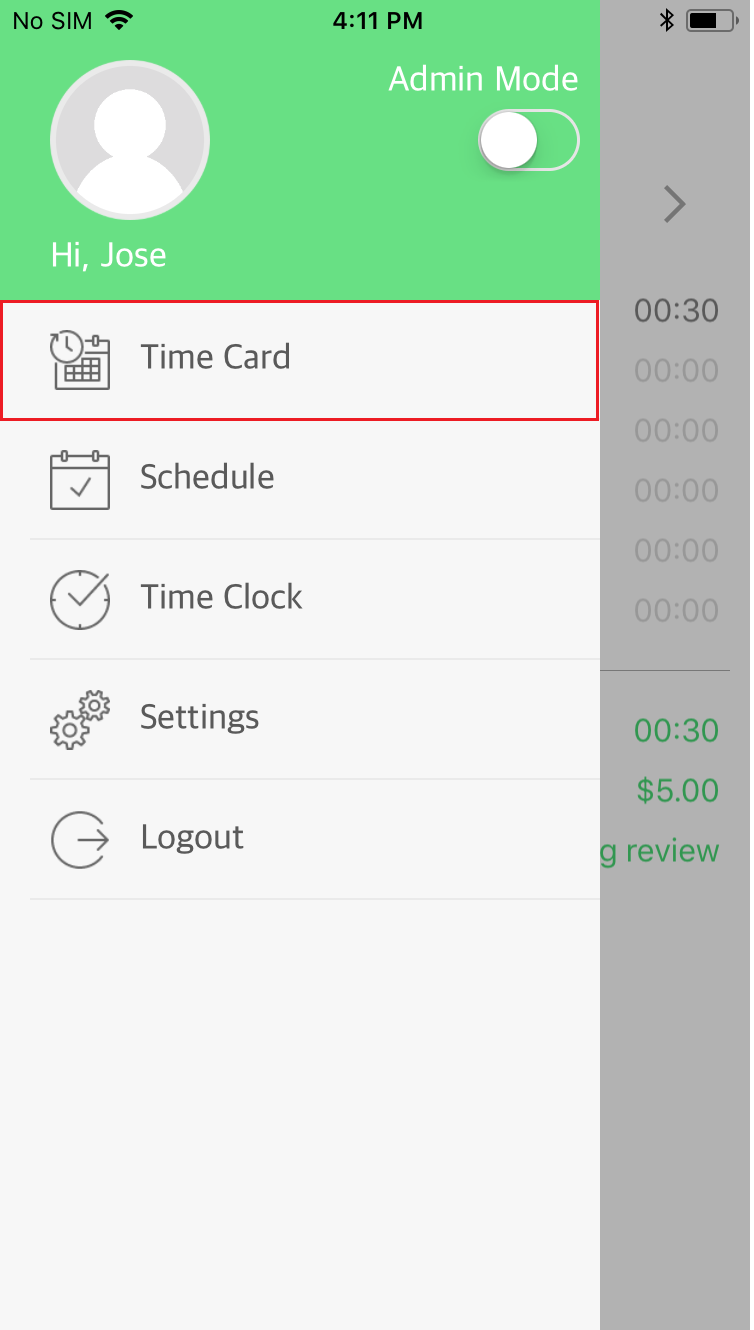
When logged into the Mobile application, tap on the Menu Icon in the upper left-hand corner. From the list, select the Time Card option.
The app will first display the Time card summary for the current pay period. To toggle back and forth between pay periods, tap on the left or right arrows.
You can view the Time Card in a daily, detailed format by tapping on the icon in the upper right-hand corner. This will open a new screen.

The detailed view of the time card displays each day and the employees logs for that day. A total of the hours per day is also displayed below the In and Out time.

Comments
0 comments
Please sign in to leave a comment.